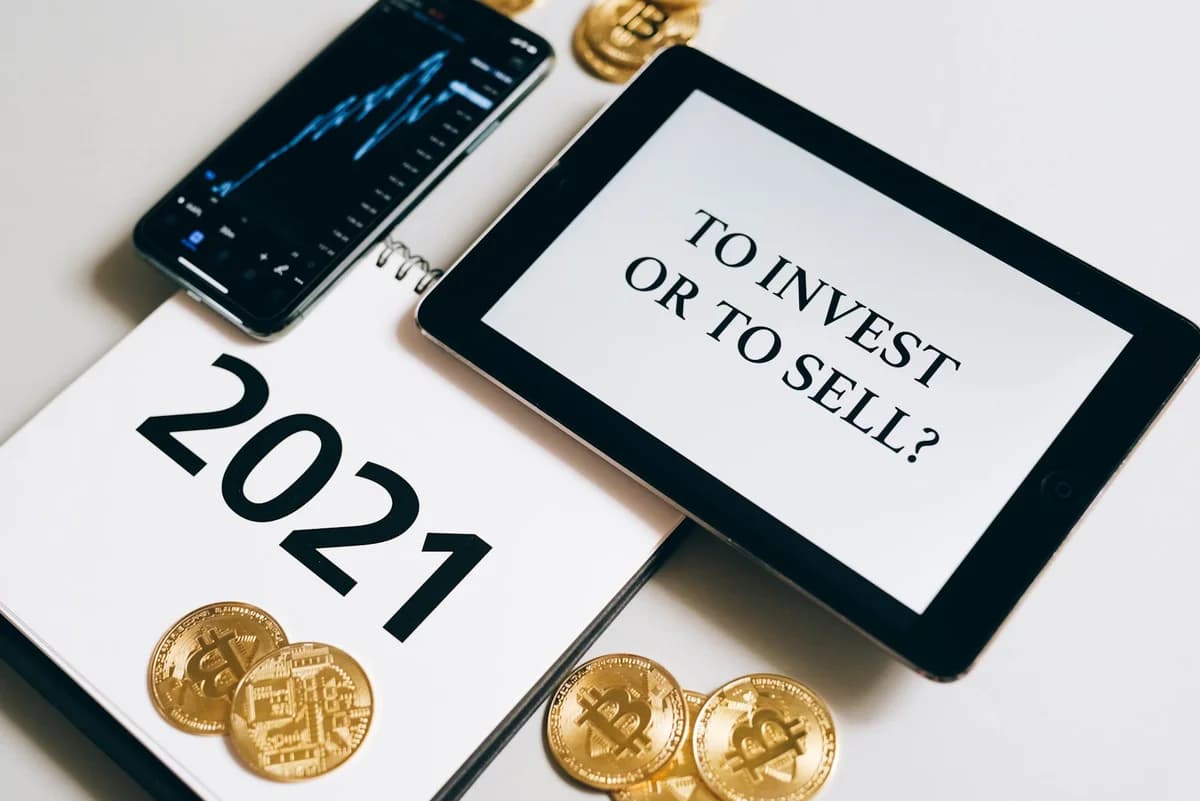
How to Use Coinbase: A Beginner's Guide
Learn how to use Coinbase step by step – account setup, deposits, trading, security tips, and staking rewards. Perfect for newcomers to cryptocurrency.

How to Use Coinbase: A Beginner's Guide
Coinbase is one of the most popular cryptocurrency exchanges for beginners, offering a clean interface and a straightforward way to buy, sell, and store digital assets. This guide walks you through every step of using Coinbase, from creating an account to exploring advanced features like staking, with practical examples to help you get started confidently.
Setting Up Your Coinbase Account
Before you can trade, you need to create an account and complete identity verification. The process is designed to be simple, but security is paramount.
- Sign up – Visit coinbase.com or download the mobile app. Enter your email, create a strong password, and agree to the terms.
- Verify your email – Click the confirmation link sent to your inbox.
- Provide personal information – Enter your full name, date of birth, and residential address.
- Upload identification – Take a photo of your government-issued ID (passport or driver’s license) and a selfie for liveness check.
- Enable two-factor authentication (2FA) – Two-factor authentication adds an extra layer of protection. Use an authenticator app (e.g., Google Authenticator) rather than SMS if possible.
Once your account is approved (usually within minutes), you’ll have a basic Coinbase wallet – a custodial wallet where Coinbase holds your private keys. You are now ready to fund your account.
Funding Your Coinbase Wallet
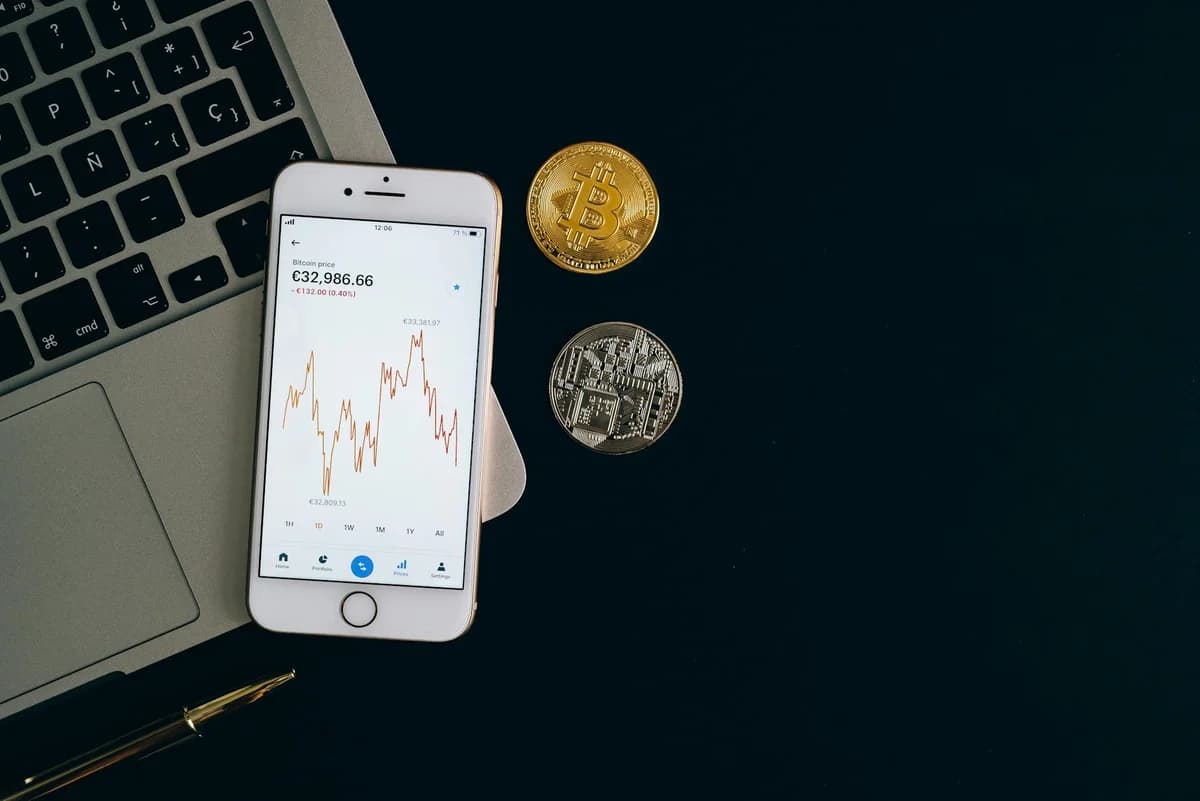
Coinbase accepts several ways to deposit fiat currency (like USD or EUR) or cryptocurrency. Each method has trade-offs in speed, convenience, and cost.
| Deposit Method | Speed | Convenience | Typical Fee |
|---|---|---|---|
| Bank transfer (ACH) | 1–5 business days | Moderate | Low or no fee |
| Debit card | Instant | High | Moderate fee (a small percentage) |
| Wire transfer | Same day (if within cutoff) | Low (requires bank details) | Higher fixed fee |
| Crypto deposit | Minutes | High (if you already hold crypto) | Network fee (varies by blockchain) |
Example: If you want to buy $50 worth of Bitcoin using a debit card, you’ll see the total cost including the fee before confirming. Coinbase displays a clear summary, so there are no surprises.
After the deposit clears, your Coinbase fiat wallet balance increases. You can now use that balance to purchase cryptocurrency.
Buying and Selling Crypto on Coinbase
Coinbase offers two main order types: market orders and limit orders.
- Market order – Execute immediately at the current market price. Ideal for beginners who want a quick trade.
- Limit order – Set a target price; the trade only fills if the market reaches that price. Useful for more experienced users aiming to get a better deal.
Practical example: You’ve deposited $100 via bank transfer. To buy Ethereum, go to the Buy page, select ETH, enter “100 USD,” and choose “One-time purchase.” Coinbase shows the estimated amount of ETH you’ll receive. Click “Preview buy” to see the fee, then “Buy now” to confirm.
Selling works the same way – you can sell crypto to your fiat wallet or directly to your linked bank account. Coinbase’s convert feature also lets you swap one crypto for another in a single transaction.
Storing Crypto Safely: Coinbase vs. Self-Custody
While Coinbase is generally secure, it’s important to understand the difference between a custodial wallet (where Coinbase holds your private keys) and a self-custody wallet (where you control the keys).
| Feature | Coinbase Wallet (custodial) | Self-Custody Wallet (e.g., hardware wallet) |
|---|---|---|
| Private keys held by | Coinbase | You |
| Recovery if you lose password | Possible via Coinbase support | Impossible without your seed phrase |
| Best for | Small amounts, frequent trading | Long-term holdings, large amounts |
Security best practices on Coinbase:
- Always use two-factor authentication and a strong, unique password.
- Enable address whitelisting – only allow withdrawals to addresses you pre-approve.
- Keep most of your crypto in a self-custody wallet if you’re holding for months or years.
- Never share your recovery phrase (if you use the Coinbase Wallet app separately) with anyone.
Earning Rewards on Coinbase
Coinbase allows you to earn passive income on certain supported cryptocurrencies through staking and the Coinbase Earn program.
- Staking – Lock up tokens (e.g., Ethereum, Solana, or Cardano) to help secure the network and earn rewards. Rewards are paid periodically and can be higher than what a standard savings account offers.
- Coinbase Earn – Watch short educational videos about different crypto projects and earn small amounts of those tokens for free. It’s a low-risk way to learn and get your first coins without investing your own money.
Example: If you hold a small amount of Ethereum in your Coinbase account, you can enable staking from the asset page. Coinbase will handle the technical setup and distribute rewards automatically. Rewards accumulate and can be withdrawn or reinvested at any time.
Conclusion
Coinbase provides a secure, user-friendly gateway into the world of cryptocurrency for beginners. By following the steps to set up your account, fund your wallet, buy and sell digital assets, and explore earning opportunities, you can start your crypto journey with confidence. Remember to prioritize security, understand the difference between custodial and self-custody storage, and never invest more than you can afford to lose.