How to Withdraw Crypto to a Bank Account
Learn how to withdraw crypto to a bank account step by step. Compare fees, timeframes, and security tips to convert your digital assets into cash safely.
How to Withdraw Crypto to a Bank Account
Withdrawing crypto to a bank account is a multi‑step process that turns digital assets into spendable fiat currency. Most users sell their cryptocurrency on a centralized exchange and then request a bank transfer to their linked account. This guide walks through the exact steps, fees, and security practices you need to know.
What Does It Mean to Withdraw Crypto to a Bank Account?
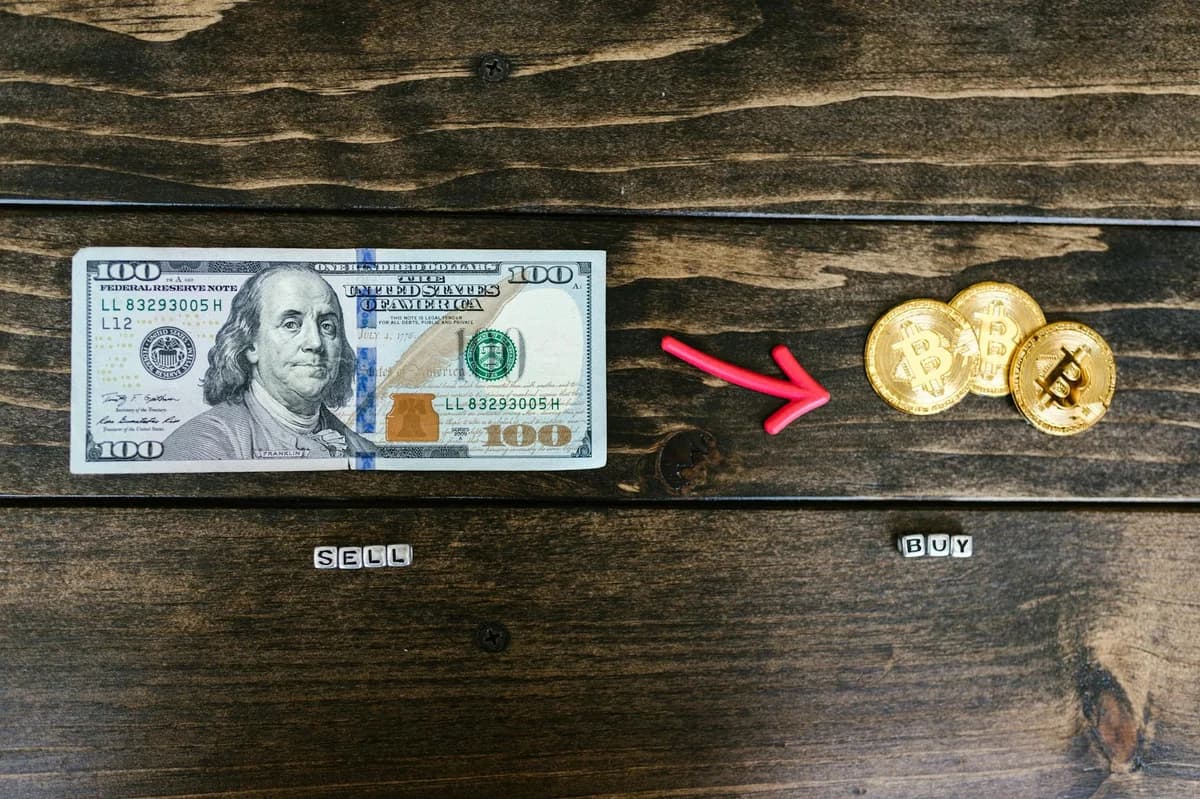
When you withdraw crypto to a bank account, you are converting a cryptocurrency such as Bitcoin, Ethereum, or USDC into a government‑backed currency (e.g., USD, EUR, GBP) and moving that money to your personal bank account. This is not a direct blockchain transaction — it requires a centralized intermediary (usually a crypto exchange) that handles the sale and the fiat transfer.
For example, imagine you hold 0.5 Bitcoin on an exchange. To get that value into your checking account, you would first place a sell order for the Bitcoin, receiving the equivalent in US dollars or euros inside the exchange. Then you initiate a withdrawal to your bank via ACH (in the US), SEPA (in Europe), or a wire transfer.
Why Can’t You Send Crypto Directly to a Bank?
Cryptocurrencies and banks operate on separate networks. Blockchains record ownership of tokens, while banks use systems like SWIFT or Fedwire. To bridge the gap, you must use a platform that holds both crypto and fiat balances — typically a regulated exchange.
Step‑by‑Step Guide to Withdraw Crypto to a Bank Account
Follow these steps to safely move funds from your crypto wallet to your bank.
1. Choose a Supported Exchange
Not all exchanges offer fiat withdrawals to bank accounts. Look for platforms that are regulated in your country and support your local currency. Popular options include Coinbase, Kraken, Binance (depending on region), and Gemini.
Key features to check:
- Does it support your currency (USD, EUR, GBP, etc.)?
- Is your bank’s country listed?
- What are the withdrawal limits?
2. Sell Your Crypto for Fiat
Once your crypto is deposited on the exchange, you need to convert it to cash. Use the exchange’s “Sell” or “Convert” feature. For example, on Coinbase you would click “Sell” on your Bitcoin balance, choose USD or your local currency, and confirm the trade.
❗ Important: The exchange will show you the current market rate and any trading fee (often a small percentage of the transaction). There is no need to worry about exact dollar amounts here — just understand that you receive slightly less than the market price due to the fee.
3. Initiate a Withdrawal
After the sale, your fiat balance appears in the exchange. Navigate to the “Withdraw” or “Send” section. Select “Bank Account” as the withdrawal method. Most exchanges will ask you to link a bank account first (see next step).
4. Enter Your Bank Details
During setup, you will need to provide:
- Account holder name (must match your exchange‑verified identity)
- Bank name
- Account number (or IBAN for Europe)
- Routing number (US) or SWIFT/BIC for international transfers
Some exchanges require a small test deposit (e.g., a few cents) to verify ownership before allowing larger withdrawals.
5. Confirm and Wait
Double‑check all digits, then submit the withdrawal. Processing times vary:
- ACH (US): 1–5 business days
- SEPA (Europe): 1–2 business days
- Wire transfer: same day to 2 business days (but fees are higher)
Important Fees and Timeframes
Every method of cashing out has its own cost and speed. The table below compares common withdrawal options. (Fees are relative, not exact dollar amounts.)
| Withdrawal Method | Typical Fee Level | Processing Time | Best For |
|---|---|---|---|
| ACH (US) | Low | 1–5 business days | Small to medium amounts |
| SEPA (EU) | Low to medium | 1–2 business days | Euro accounts |
| Domestic wire | Medium | Same day | Urgent, larger amounts |
| International wire | High | 1–3 business days | Cross‑border transfers |
| PayPal / Venmo | Medium | Instant to 1 hour | Small amounts, convenience |
Note: Some exchanges waive withdrawal fees for certain currencies or loyalty tiers. Always check the fee schedule before confirming.
Security Tips When You Withdraw Crypto to a Bank Account
Cashing out is one of the riskiest steps — if you enter the wrong address or credentials, funds can be lost permanently. Follow these best practices:
- Whitelist bank accounts. Many exchanges let you restrict withdrawals to pre‑approved destinations. Enable this feature so that even if an attacker accesses your account, they cannot send money to an unknown bank.
- Use two‑factor authentication (2FA). A hardware security key or an authenticator app is far safer than SMS codes. Never skip 2FA on an exchange that holds your funds.
- Verify the bank name and account number three times before clicking submit. An extra few seconds can prevent a costly error.
- Start with a small test withdrawal. Send a small amount (e.g., $10) to confirm the bank details work before moving a large sum.
- Be aware of withdrawal limits. New accounts often have low daily or monthly caps. If you need to move a large amount, you may need to complete additional identity verification (KYC) or request a limit increase.
Conclusion
Knowing how to withdraw crypto to a bank account is an essential skill for anyone entering the crypto space. By using a reputable exchange, carefully linking your bank, and following the step‑by‑step process outlined above, you can convert your digital assets into spendable cash with minimal hassle. Always prioritize security — verify every detail, enable 2FA, and start small — to ensure your funds arrive safely every time.