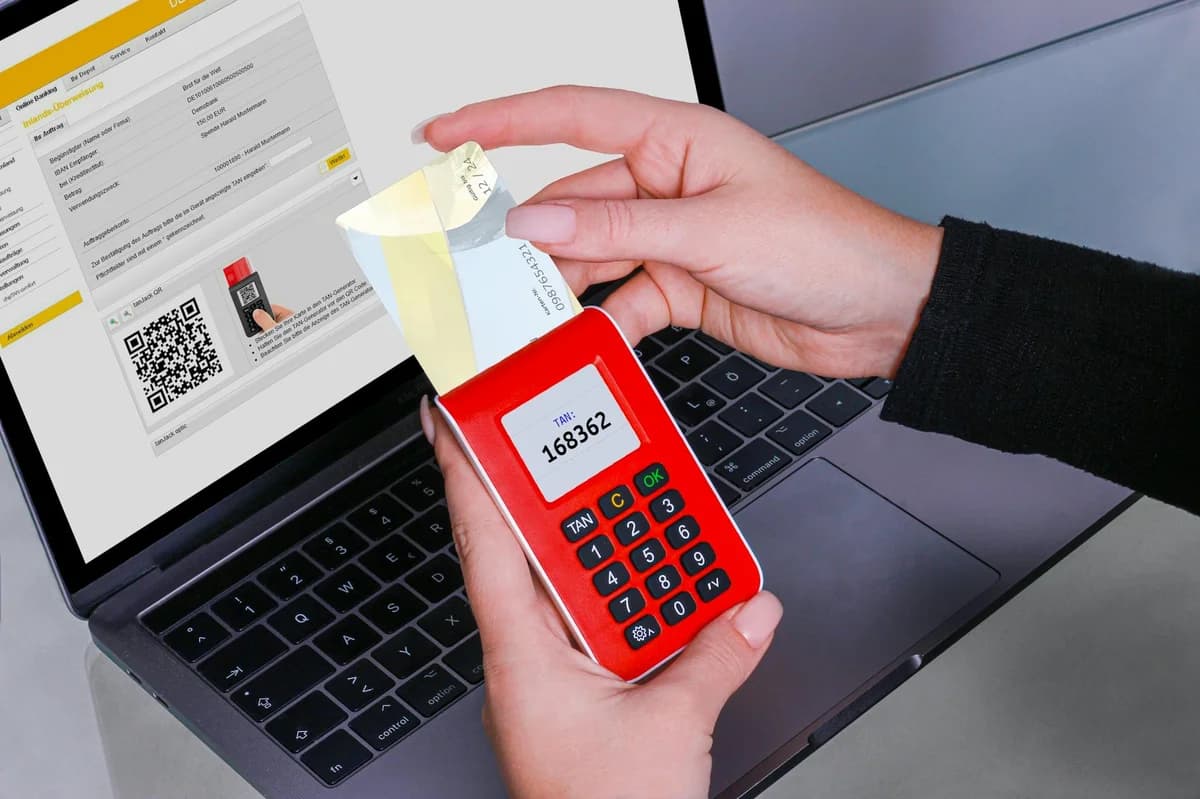
What Is Two-Factor Authentication for Crypto Accounts?
Two-factor authentication for crypto accounts adds security. Learn how 2FA works, compare methods, and follow best practices to protect your digital assets.

What Is Two-Factor Authentication for Crypto Accounts?
Two-factor authentication for crypto accounts is a security measure that requires two separate pieces of evidence before granting access to your wallet or exchange account. This process creates a powerful defense because even if someone steals your password, they cannot log in without the second factor. For cryptocurrency holders, where transactions are irreversible and accounts hold real value, using 2FA is one of the most effective ways to protect your assets.
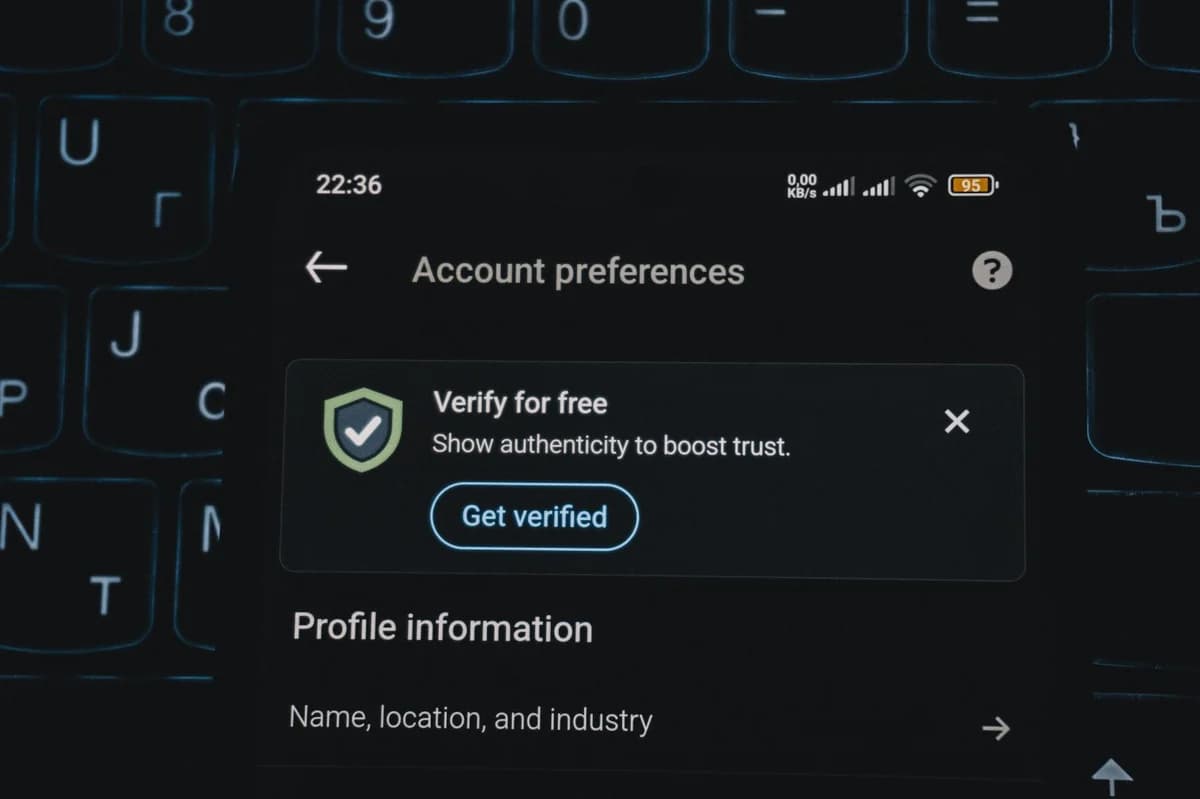
Why Two-Factor Authentication Matters for Crypto Accounts
The cryptocurrency world is a prime target for cybercriminals. Unlike traditional bank accounts where fraudulent transactions can sometimes be reversed, crypto transfers are final once confirmed on the blockchain. If a hacker gains access to your exchange account or personal wallet, they can drain your funds in seconds. Passwords alone are insufficient because they can be guessed, stolen through phishing attacks, or leaked in data breaches.
Two-factor authentication for crypto accounts mitigates this risk by introducing a second layer of verification. For example, suppose you receive an email pretending to be from your exchange, asking you to log in. If you click the link and enter your password, the attacker now has it. But without your second factor — such as a code from your authenticator app — they cannot complete the login. This simple principle has prevented countless thefts.
Real-World Scenario: A Phishing Attack
Imagine you hold Bitcoin on a popular exchange. One day you get a text message: "Unusual login detected — click here to secure your account." You click, enter your password, and the attacker captures it. With two-factor authentication enabled, the attacker would also need your phone or hardware key to generate the one-time code. That second factor stops them cold. Without 2FA, the attacker would simply log in and withdraw everything.
How Two-Factor Authentication Works for Your Crypto Account

Two-factor authentication relies on three categories of credentials: something you know (your password), something you have (a physical device), and something you are (a fingerprint or face scan). For crypto accounts, the most common implementation combines a password with a time-based one-time password (TOTP) generated by an authenticator app or a hardware key.
When you enable 2FA, you link your account to a secret key stored on your device. Every 30 seconds, the app uses this key and the current time to produce a six-digit code. Even if a hacker intercepts one code, it expires quickly. The secret key never leaves your device, so the attacker cannot generate future codes without physical access to it.
Comparison of Two-Factor Authentication Methods
Below is a table comparing the three main types of 2FA used for crypto accounts:
| Method | How It Works | Security Level | Convenience |
|---|---|---|---|
| SMS text message | A code sent via SMS | Lower — vulnerable to SIM swapping | High — no extra app needed |
| Authenticator app (e.g., Google Authenticator, Authy) | Code generated on your phone | Higher — no carrier risk | Medium — requires app setup |
| Hardware key (e.g., YubiKey, Ledger) | Physical device inserted or tapped | Highest — immune to phishing | Lower — device must be present |
SMS-based 2FA is better than nothing, but it has a well-known weakness: attackers can trick your mobile carrier into transferring your phone number to their SIM card. Once they control your number, they receive your 2FA codes. Authenticator apps avoid this because the codes are generated locally. Hardware keys provide the strongest protection, as they require a physical action and cannot be phished.
Common Two-Factor Authentication Methods for Crypto Accounts
When setting up 2FA on a crypto exchange or wallet, you typically choose from these options:
- Authenticator apps – Apps like Google Authenticator, Microsoft Authenticator, or Authy are free and widely supported. Scan a QR code during setup to link your account.
- Hardware security keys – Devices such as YubiKey or Trezor Model T act as your second factor. You insert the key into your computer's USB port or tap it on your phone.
- Biometric 2FA – Some wallets support fingerprint or facial recognition as a second factor, though this is less common for crypto accounts.
- Email-based 2FA – A code sent to your email. This is considered weak because email accounts themselves can be compromised.
💡 Pro Tip: Always use an authenticator app or hardware key over SMS. If you must use SMS, contact your mobile carrier to add a PIN or "port-out authorization" to prevent SIM swapping attacks.
Setting Up an Authenticator App
To enable two-factor authentication for your crypto account using an authenticator app, follow these steps:
- Log into your exchange or wallet and navigate to the security settings.
- Select "Enable Two-Factor Authentication" or "Set Up 2FA."
- Open your authenticator app on your phone and tap "Add Account."
- Scan the QR code displayed on the website. The app will now generate six-digit codes.
- Enter the current code from the app into the website to confirm setup.
- Write down or print the recovery codes provided by the exchange. These let you regain access if you lose your phone.
Best Practices for Using Two-Factor Authentication on Crypto Accounts
Even the strongest 2FA can fail if you don't use it correctly. Follow these guidelines to maximize your security:
- Use more than one 2FA method where possible. For example, some exchanges allow you to set up both an authenticator app and a hardware key. This gives you a backup.
- Store recovery codes offline. Keep a physical copy in a safe place, such as a fireproof safe. Do not store them in your email or cloud storage.
- Enable withdrawal whitelist. Many exchanges let you whitelist specific wallet addresses. Combined with 2FA, this adds another layer even if someone compromises your account.
- Avoid using SMS 2FA for large holdings. If you store significant value, invest in a hardware key.
- Update your authenticator app when getting a new phone. Before switching devices, ensure you deactivate 2FA on the old phone or transfer your accounts using a migration feature.
💡 Pro Tip: For maximum security, use a dedicated hardware security key for your most important crypto accounts. Keep it separate from your phone and computer. If you lose your phone, you won't lose access to your 2FA codes as long as you have your hardware key and recovery codes.
Conclusion
Two-factor authentication for crypto accounts is not optional — it is a fundamental requirement for anyone who holds digital assets. By combining a password with a second factor such as an authenticator app or hardware key, you drastically reduce the risk of theft. The small inconvenience of entering a code each time you log in is far outweighed by the peace of mind that your funds are protected. Whether you are a beginner or an experienced trader, enabling 2FA is the single most important step you can take to secure your crypto journey.